● Web-Based & Multilingual
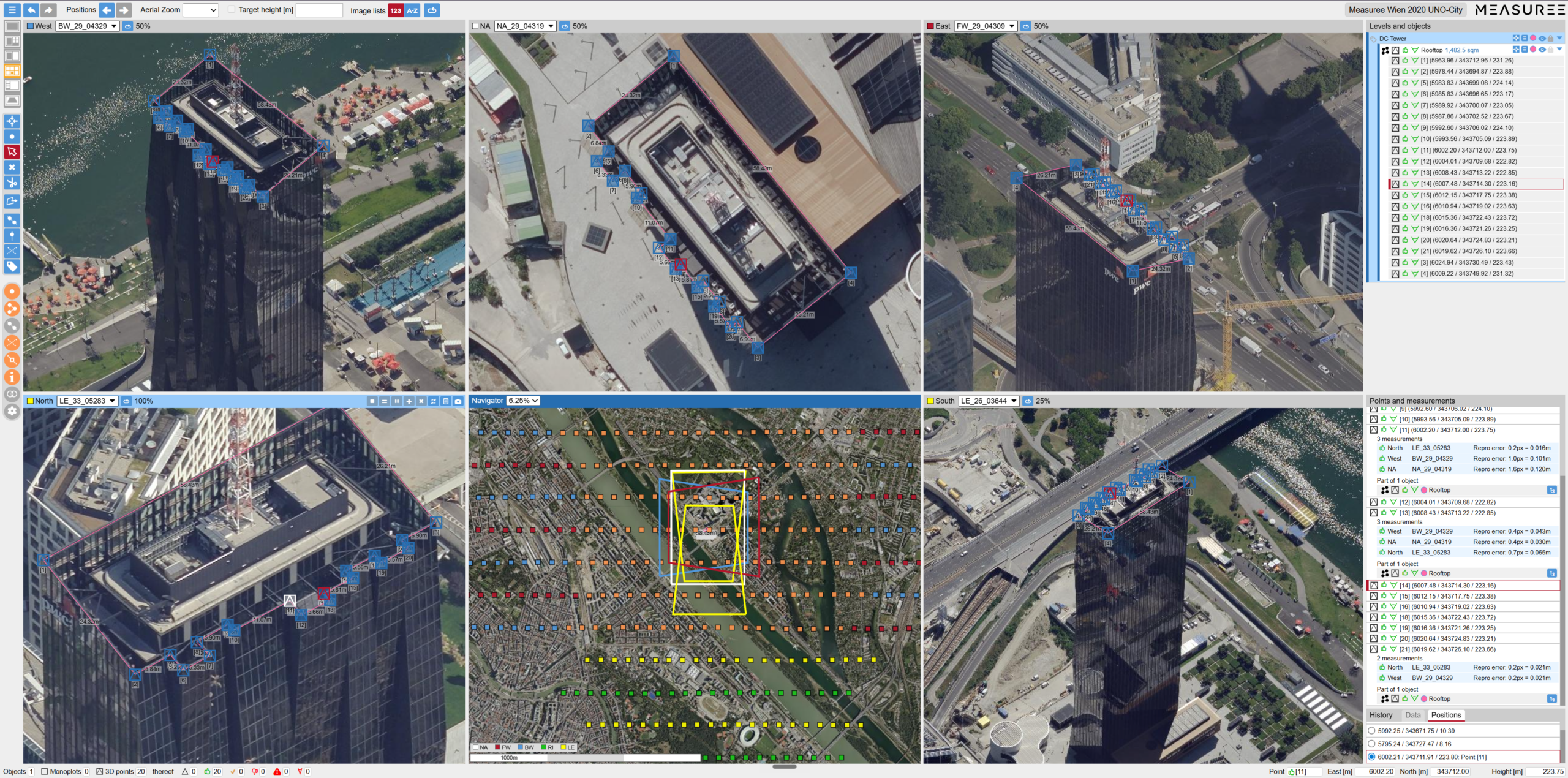
No Installation Required – a modern browser is all you need. Session persistence, undo/redo, drag & drop and keyboard shortcuts. Available in German, English and Italian.
● All Platforms & Sensors
Aircraft, drone, nadir, oblique, thermal infrared, hyperspectral. Digital and analogue aerial images. Synchronisation of different flight years for change analyses.
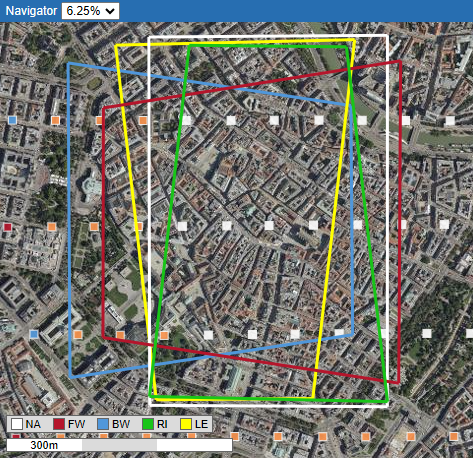
● Multi-View & Monitoring
Customisable multi-view layout on multiple monitors. Screenshots for expert reports. Image trigger points and coverages can be displayed.
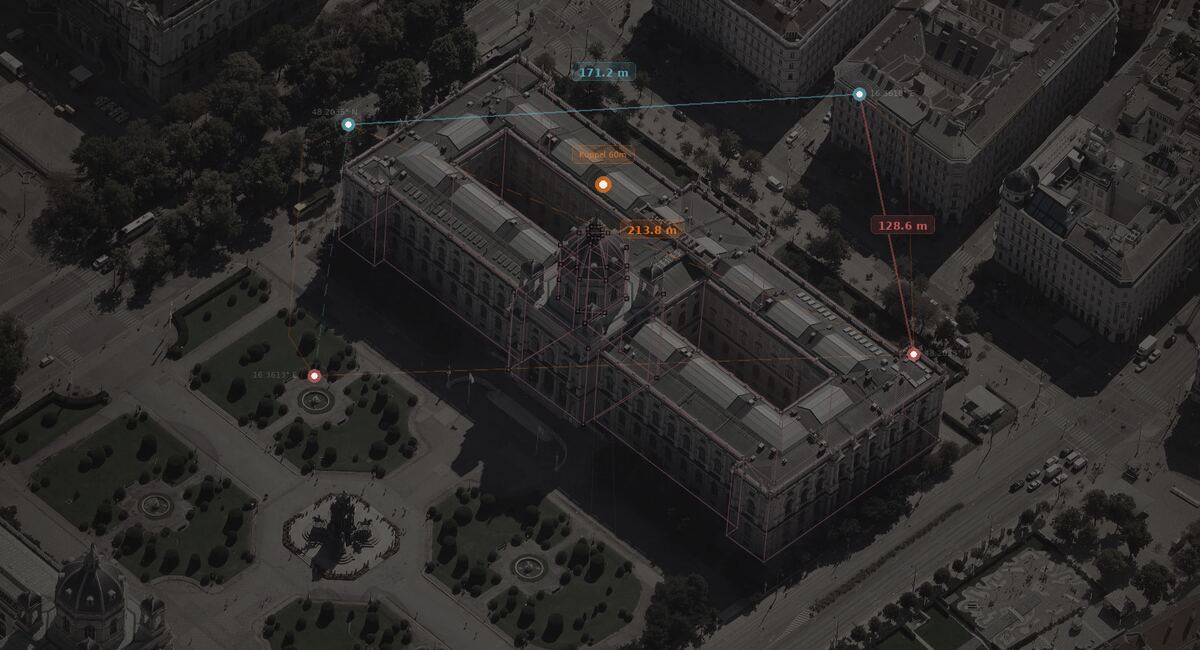
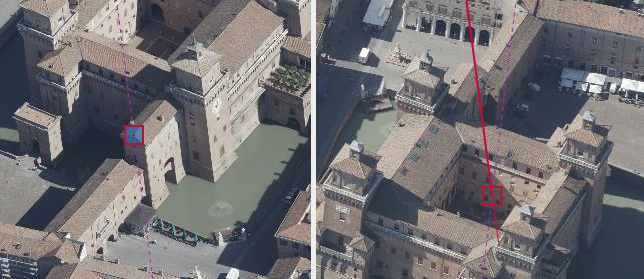
● Most Precise Measurement Method
Intersection of measurement rays from different perspectives – without 3D mesh computation. Extremely short “Time to first Measurement”. Quality assurance through reprojection error, intersection angle and 3D auxiliary lines.
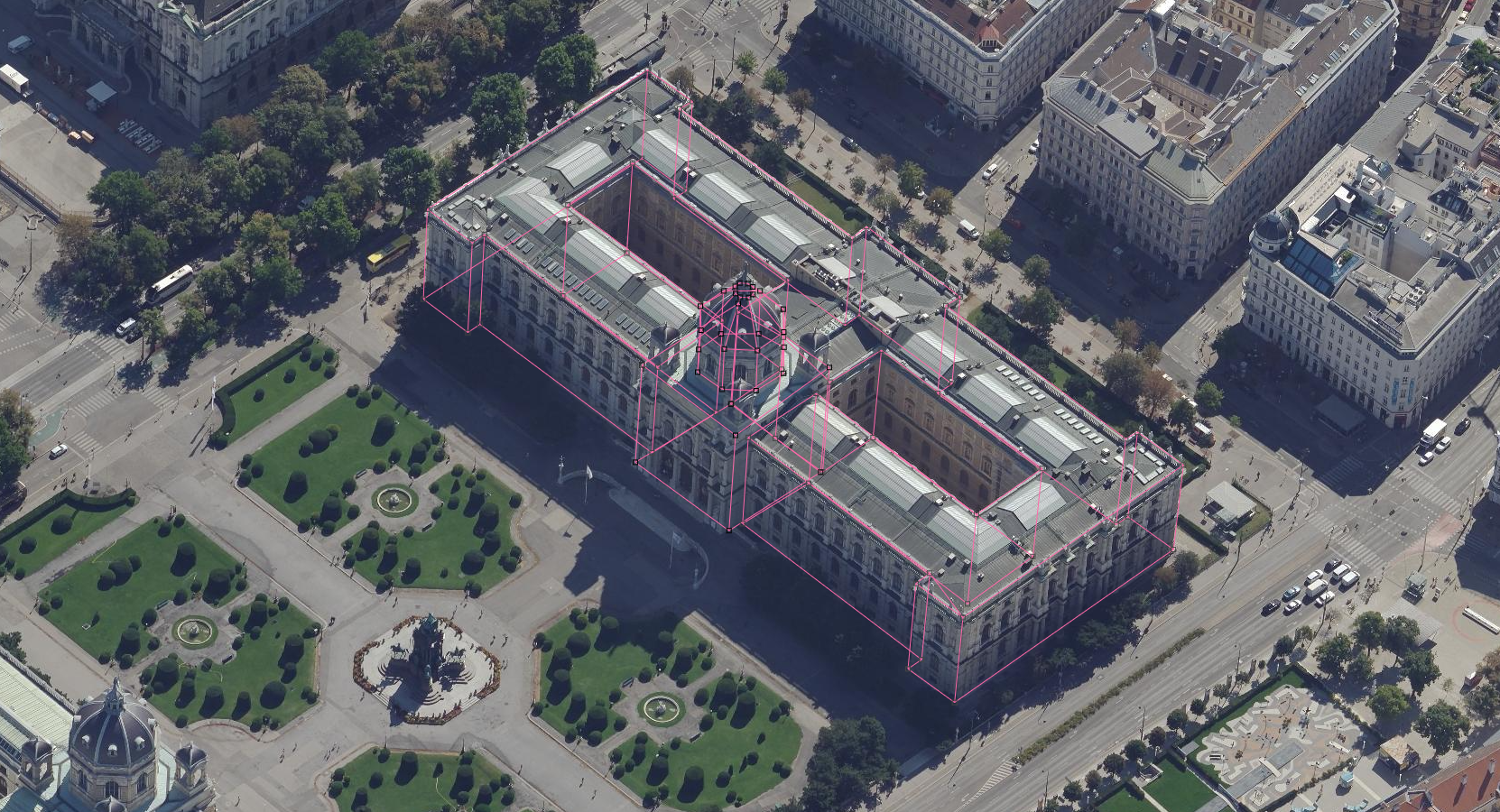
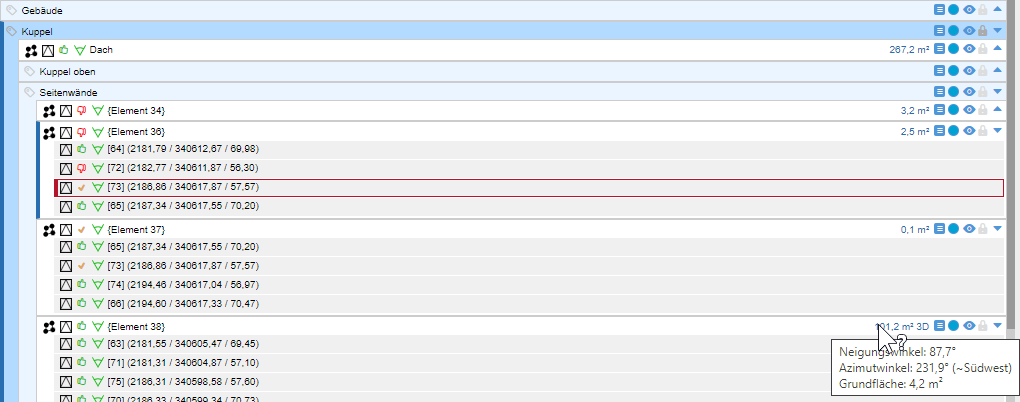
● Hierarchical Data Model
Group objects in nestable layers. Point, line, polyline, polygon. Automatic area measurements, configurable layer prototypes, free attributes and import/export.
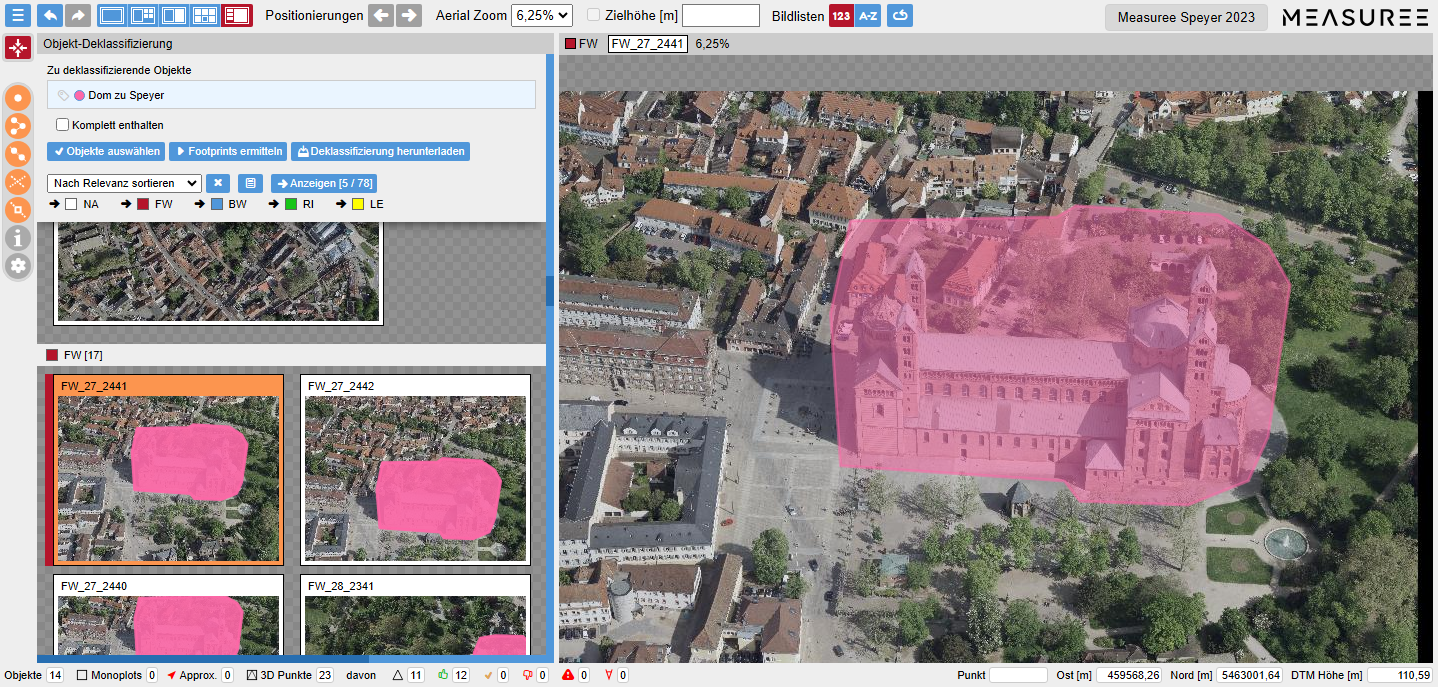
● Footprints & Declassification
Automatic identification of all images containing an object (Object footprints). Automated declassification of sensitive objects through blackening, pixelation or blurring.
● Interfaces & Export
Import/Export in Shape, GeoJSON, DXF. Individual interfaces to third-party applications (e.g. ESRI WebOffice). Customisable and extensible user interface.